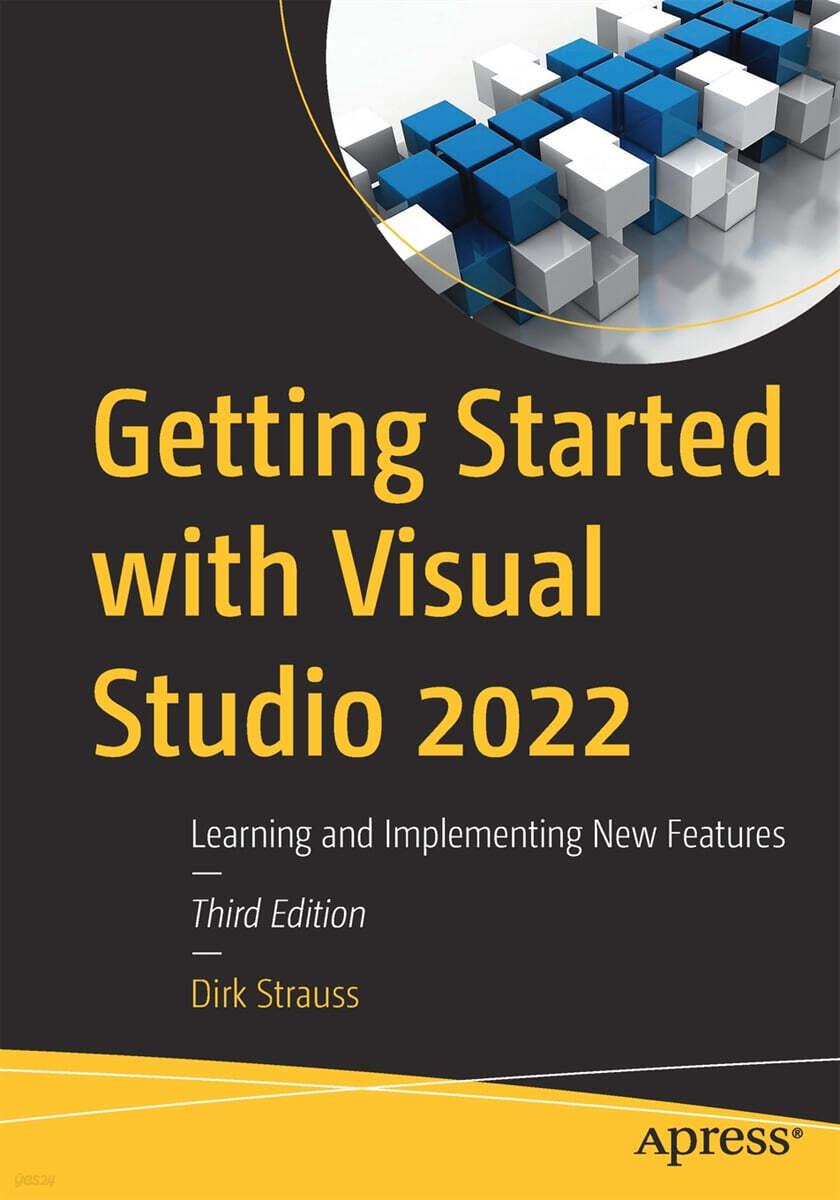


















책 이미지

책 정보
· 분류 : 외국도서 > 컴퓨터 > 프로그래밍 > 마이크로소프트 프로그래밍
· ISBN : 9781484289211
· 쪽수 : 313쪽
· 출판일 : 2022-12-07
목차
Chapter 1: Getting to Know Visual Studio 2022
- Installing Visual Studio
- Visual Studio 2022 System Requirements
- Visual Studio is 64-bit
- Full .NET 6.0 Support
- Using Workloads
- Exploring the IDE
- The Solution Explorer
- Toolbox
- The Code Editor
- New Razor Editor
- Hot Reload
- Navigating Code
- Navigate Forward and Backward Commands
- Navigation Bar
- Find All References
- Find Files Faster
- Reference Highlighting
- Go To Commands
- Go To Definition
- Peek Definition
- Subword Navigation
- Features and Productivity Tips
- Track Active Item in Solution Explorer
- Hidden Editor Context Menu
- Open in File Explorer
- Finding Keyboard Shortcut Mappings
- Clipboard History
- Go To Window
- Navigate to Last Edit Location
- Multi-caret Editing
- Sync Namespaces to Match Your Folder Structure
- Paste JSON as Classes
- Enable Code Cleanup on Save- Add Missing Using on Paste
- Features in Visual Studio 2022
- Visual Studio Search
- Solution Filters
- Visual Studio IntelliCode
- Whole Line Completions
- Quick Actions
- Visual Studio Live Share
Chapter 2: Working with Visual Studio 2022
- Visual Studio Project Types
- Various Project Templates - MAUI
- Creating a MAUI Application
- Consuming REST Services in MAUI- Using SQLite in a MAUI app
- Managing NuGet Packages
- Using NuGet in Visual Studio
- Hosting Your Own NuGet Feeds
- Managing nmp Packages
- Creating Project Templates
- Creating and Using Code Snippets
- Creating Code Snippets
- Using Bookmarks and Code Shortcuts
- Bookmarks
- Code Shortcuts
- Adding Custom Tokens
- The Server Explorer
- Running SQL Queries
- Visual Studio Windows
- C# Interactive
- Code Metrics Results
- Send Feedback
- Personalising Visual Studio
- Document Management Customisations
- Visual Studio Themes
Chapter 3: Debugging Your Code
- Working with Breakpoints
- Setting a Breakpoint
- Conditional Breakpoints and Actions
- Temporary Breakpoints
- Dependant Breakpoints
- Dragging Breakpoints
- Force Run to Cursor- Manage Breakpoints with Labels
- Exporting Breakpoints- Using DataTips
- Visualizing Complex Data Types
- Using the Watch Window
- The DebuggerDisplay Attribute
- Evaluate Functions Without Side Effects
- Format Specifiers
- Diagnostic Tools
- CPU Usage
- Memory Usage
- The Events View
- The Right Tool for the Right Project Type
- Immediate Window
- Attaching to a Running Process
- Attach to a Remote Process
- Reattaching to a Process
- Remote Debugging
- System Requirements
- Download and Install Remote Tools
- Running Remote Tools
- Start Remote Debugging
Chapter 4: Unit Testing
- Creating and Running Unit Tests
- Create and Run a Test Playlist
- Testing Timeouts
- Using Live Unit Tests
- Using IntelliTest to Generate Unit Tests
- Focus IntelliTest Code Exploration
- How to Measure Code Coverage in Visual Studio
Chapter 5: Source Control
- Create a GitHub Account
- Create and Clone a Repository
- Cloning a Repository
- Create a Branch from Your Code
- Creating and Handling Pull Requests
- Working with Stashes
- Multi-repo Support
- Git Commit Graph
- Compare Branches
- Checkout Commit
- Multi-repo Branching- Line Staging